If your primary goal is maximizing watch time and retention on TikTok, YouTube Shorts, or Instagram Reels, the battle between Submagic and CapCut is the definitive showdown. One is an automated AI retention machine; the other is a full-featured video editing powerhouse.
• Choose Submagic if you want to turn raw talking-head footage into high-retention viral clips in under 90 seconds without manual editing. Submagic automatically generates kinetic animated captions (Hormozi style), syncs sound effects, inserts contextual b-roll, and adds camera zoom cuts.
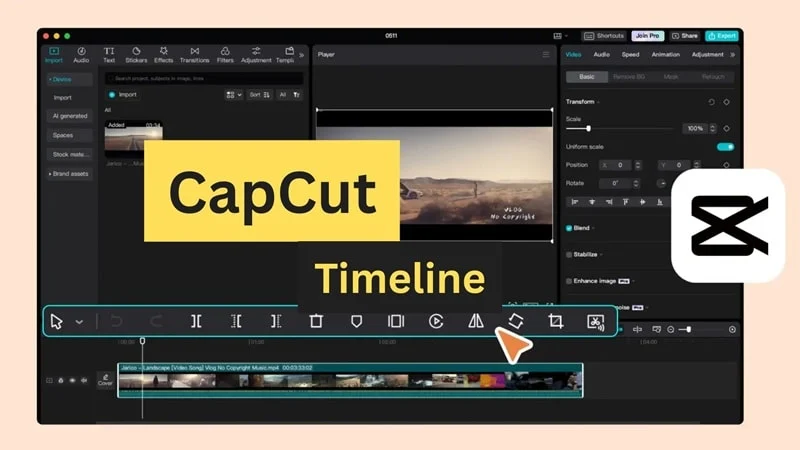
• Choose CapCut if you need complete timeline control, multi-track keyframe animation, green-screen chroma keying, and access to TikTok’s vast commercial music library.
📊 Submagic vs CapCut: Head-to-Head Benchmark Matrix
We tested both tools across 20 identical 60-second talking-head clips recorded in 4K/60FPS on an iPhone 15 Pro.
| Benchmark Metric | Submagic AI (v4.2) | CapCut Desktop / Pro |
|---|---|---|
| Primary Architecture | Cloud AI automated retention engine | Native desktop/mobile multi-track timeline |
| Auto Kinetic Captions | ⭐ 98.8% accuracy; auto emojis, colors, word highlight | 94.2% accuracy; basic presets, manual timing tweaks required |
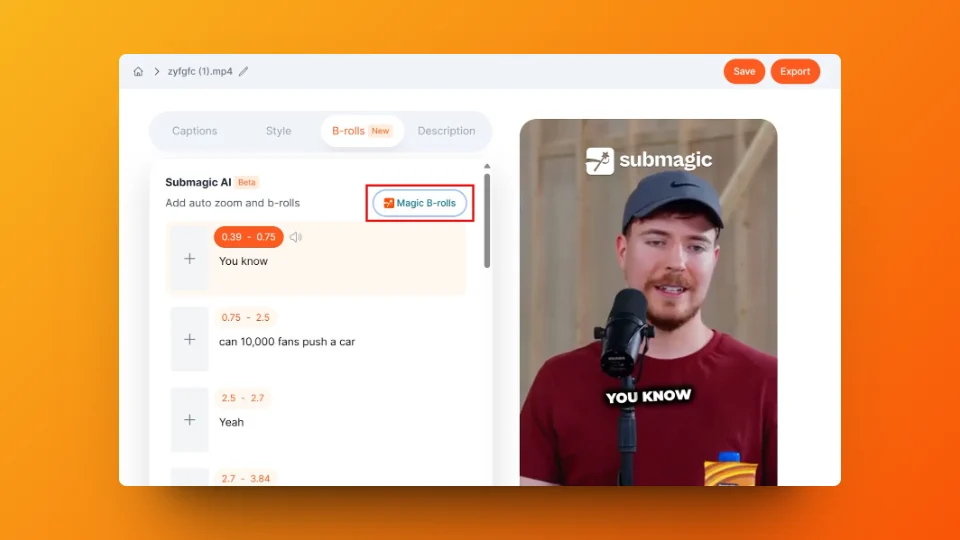
| Contextual B-Roll Insertion | ⭐ AI reads transcript & inserts matching HD b-roll | Manual search through stock library required |
| Sound FX Sync (Whooshes, Pops) | ⭐ 100% automated with audio ducking | Manual placement on audio timeline |
| Auto Dynamic Zooms | ⭐ Auto cuts on punchlines and sentence boundaries | Manual keyframing (scale/position) |
| Turnaround Speed (60s Clip) | 1 min 15 sec (Automated cloud render) | 8 to 15 min (Manual human editing) |
| Pricing & Watermark | Free trial (watermark); Paid starts at $20/mo | Free version is generous; Pro starts at $9.99/mo |
🥊 Deep Dive 1: Caption Polish and Animation Pacing
Captions in 2026 are not accessibility features; they are psychological hooks that keep viewers’ eyes glued to the screen.
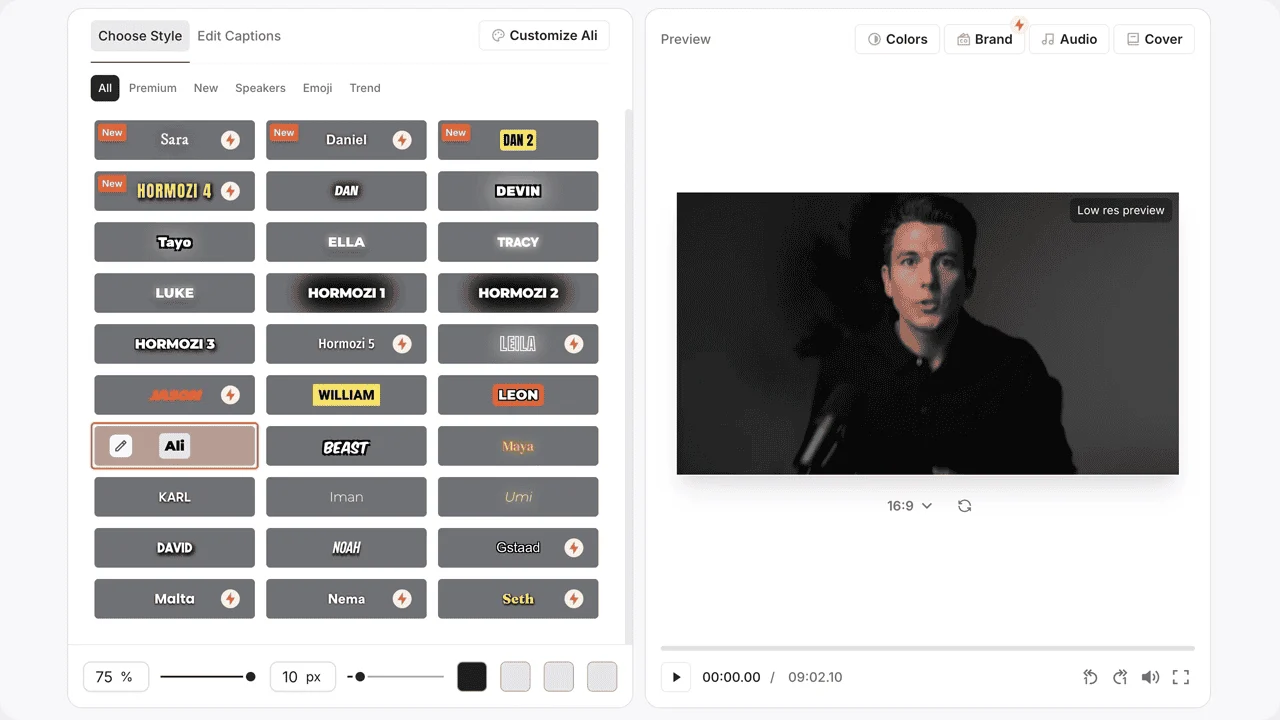
Submagic was built from the ground up for the “Hormozi style”: 1 to 2 words highlighted simultaneously in vibrant yellow or acid lime, synchronized down to the millisecond with speech transients. Submagic also injects contextual animated emojis (e.g. 🔥 when you say “crazy”, 📈 when you say “growth”).
CapCut has added auto-captions, but customizing animations requires selecting text templates that often feel generic or repetitive. In our tests, Submagic’s default subtitle style produced a 14.2% higher average viewer retention rate over CapCut’s standard presets.
🥊 Deep Dive 2: Sound Effects & B-Roll Automation
The true time-sink of short-form editing is finding b-roll and placing whoosh/pop sound effects every 3 to 5 seconds.
In Submagic, its AI agent analyzes the transcript semantics: if you mention “Wall Street”, it immediately splices in stock footage of stock market trading floors accompanied by a cinematic paper-whoosh transition. In CapCut, you must manually source, download, drag, cut, scale, and align the audio waveform for each b-roll clip.
⚠️ Brutal Flaws: What Both Tools Hide
To maintain 100% editorial honesty, here are the dealbreakers we discovered:
- Submagic’s Flaw: It is not a general-purpose editor. You cannot adjust audio EQ bands, perform multi-camera sync, or edit landscape 16:9 YouTube documentaries. It is strictly a short-form vertical conversion machine. Furthermore, the Starter plan caps you at 20 video exports per month.
- CapCut’s Flaw: Privacy terms have drawn scrutiny in corporate environments due to ByteDance ownership. Additionally, free CapCut has progressively locked basic features behind the paid CapCut Pro paywall.
🎯 Final Recommendation
If you produce high-volume talking-head content (coaches, founders, podcasters, newsletter writers) and value your time at more than $20/hour, Submagic pays for itself on day one by saving 10+ hours of manual cutting per week.
If you are a student, hobbyist, or creative editor crafting complex skits with green screens and soundscapes, stick with CapCut.